
What user statuses mean
The Status column on the Users page shows where each person’s account stands. Only Admins can open this page.
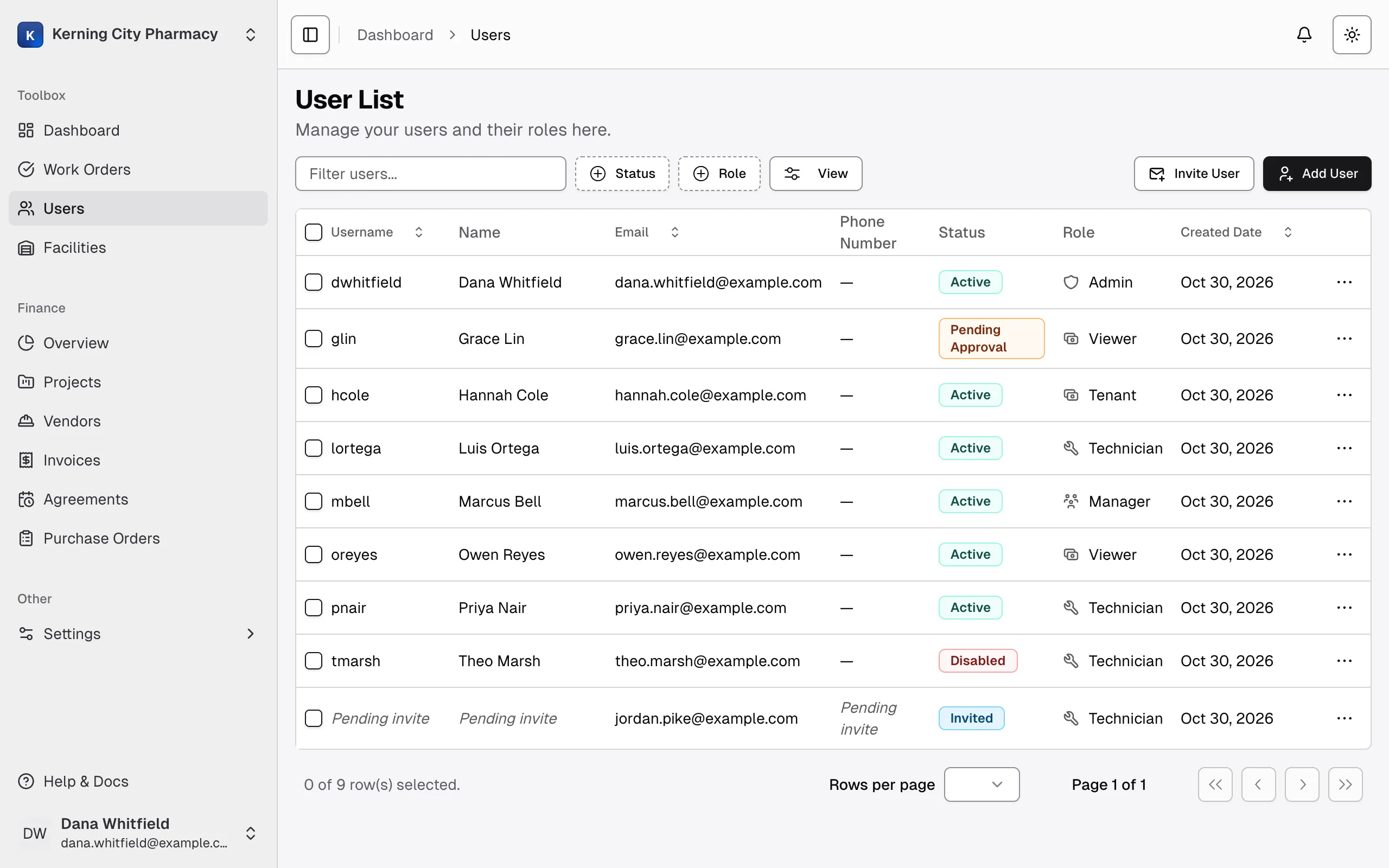
| Status | What it means | Can they log in? | What you can do |
|---|---|---|---|
| Invited | You sent an invitation and they haven’t accepted it yet. | No | Resend or cancel it |
| Pending Approval | They’ve registered and are waiting for approval. | No | Wait. You can already assign them to facilities. |
| Active | Their account is working normally. | Yes | Edit or disable |
| Unverified | They were usually created with Add User. It can also mean they signed up on their own and haven’t verified their email. | Yes if you added them with Add User, otherwise not until they verify | Edit or disable |
| Disabled | An Admin turned off the account. | No | Enable it |
| Denied | Their registration wasn’t approved. | No | Edit only |
Find someone in the list
Section titled “Find someone in the list”Filter users… only matches usernames, not names or email addresses. People who signed up on their own may not have a username, so look for them by scrolling or by using the Role filter.